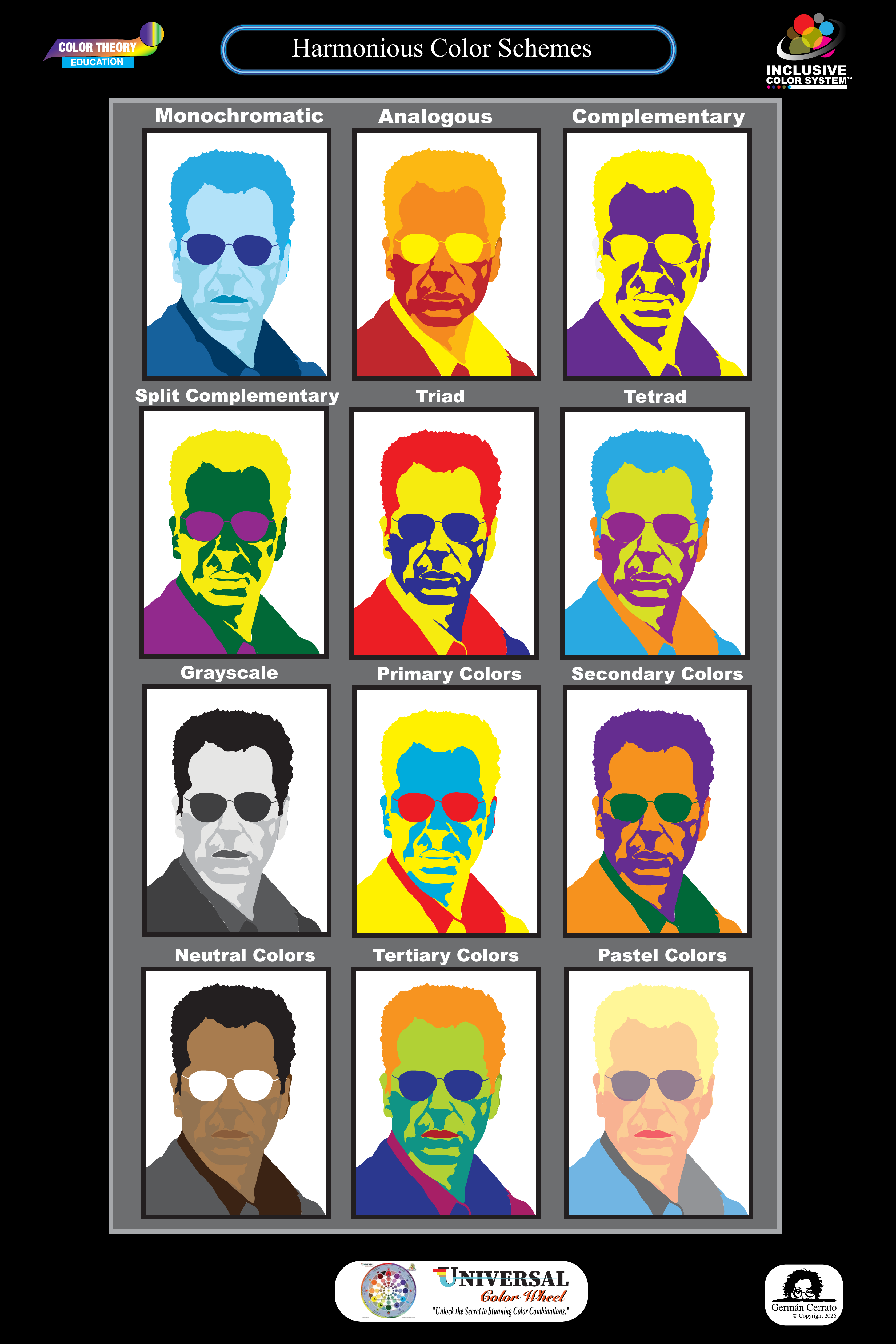
Harmonious Color Schemes
Use the poster as a visual overview of the major color relationships, then explore each scheme in greater detail below.
Home / Part I
Click a color on the Universal Color Wheel. Its complete gallery appears beside it.
Click or tap any color family.
Part II
From three primary colors, relationships multiply and creation unfolds with wonder.
Years ago, while studying graphic design, German Cerrato created this illustration from a simple but powerful idea: three primary colors could multiply into seemingly endless possibilities.
That idea inspired a lifelong exploration of how color changes, interacts, communicates, creates emotion, and fills creation with wonder.
“The Power of Color began for me with a simple question: How can so few colors create so many possibilities?”Explore the World of Color →
Part III
Begin with the complete Harmonious Color Schemes poster, then select a scheme to open the corresponding pages from The Impact of the Color Wheel, Revealed.
Use the poster as a visual overview of the major color relationships, then explore each scheme in greater detail below.
Click a scheme image to open its book lesson pages.
Part IV
Select a lesson and explore the color theory information at your own pace.
Sources: The Impact of the Color Wheel, Revealed book.
Page 2 · Universal Color Exploration
Click or tap a pure hue on the Universal Color Wheel to reveal its seven related colors, popular names, HEX and RGB values. Double-click any color circle to enlarge it, or use the Enlarge button.
Select any of the 12 pure hue families.
Page 3 · Image Color Exploration
Upload an image, choose a hue family, then apply one of its seven colors. ImageColorLens™ preserves the image's light-and-dark structure while recoloring it with the selected hue.
ImageColorLens™ is an educational color-exploration tool. The conversion is a visual interpretation based on the selected Universal Color Wheel color and the original image luminance.